

Reflection & Acknowledgment
Opening an Observation from Email
When an observation needs the teacher (to reflect, to acknowledge, or to read the closed observation), the email the teacher receives can carry a secure link that opens the observation directly. The teacher does not need to log in. This is sometimes called magic-link access.
Turning it on
Section titled “Turning it on”Magic links are controlled by Allow magic link access? on the Observe Settings page, which a system administrator manages. When it is on, reflection requests, acknowledgment requests, and the closing email include a link that needs no password.
Emails reach the teacher only when Notify observee? is on for both the account (on Observe Settings) and the observation’s Form Set. A teacher can also turn off reflection and acknowledgment request emails in their notification preferences. The closing email cannot be turned off there.
What the teacher can do
Section titled “What the teacher can do”From the link, without signing in, a teacher can:
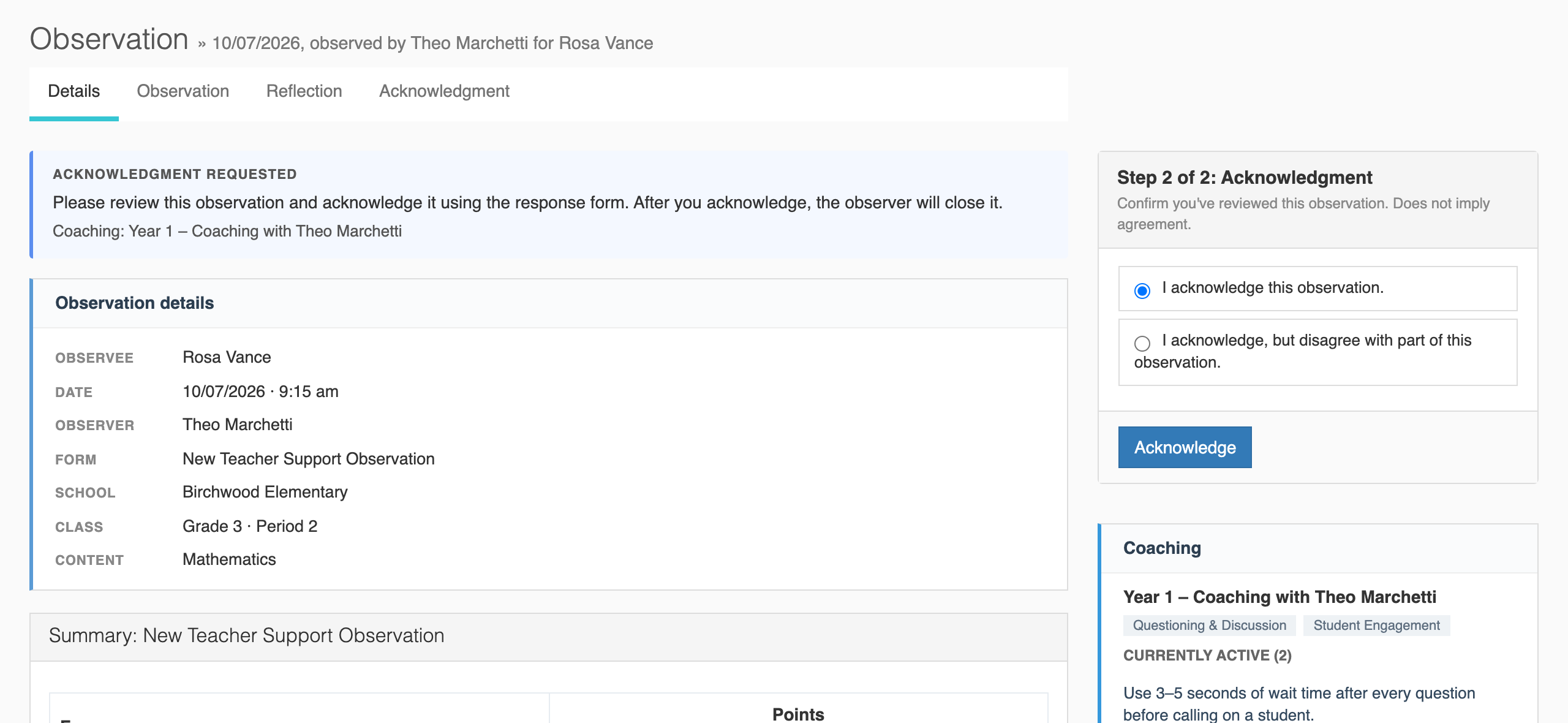
- Read the observation, with the same sections they see when signed in but without the site’s menus,
- Submit a reflection,
- Acknowledge the observation, and
- Comment in the Discussion panel, when comments are on for your account.
Link lifetime
Section titled “Link lifetime”- A link is valid for 30 days.
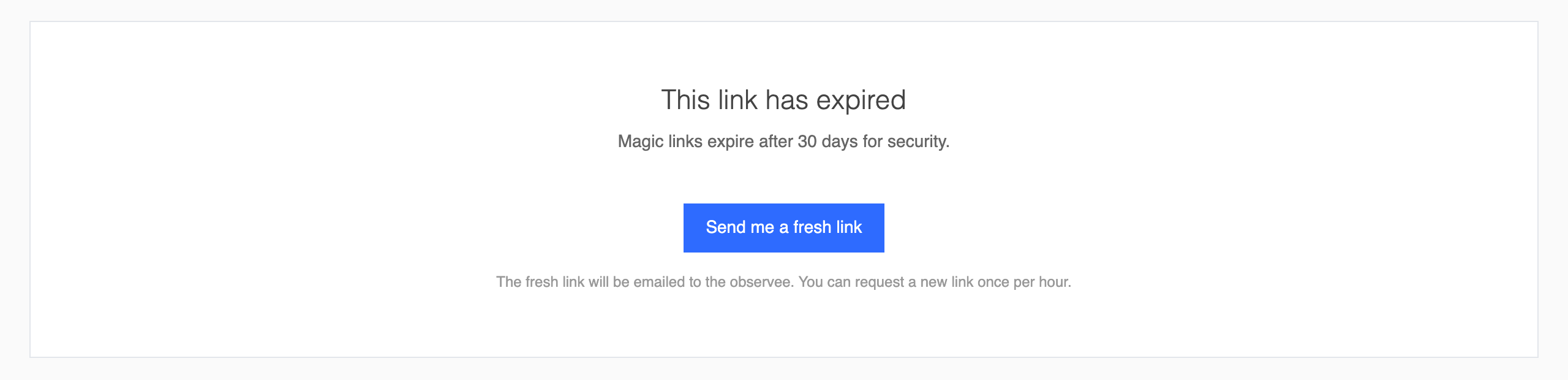
- An expired link opens a This link has expired page with a Send me a fresh link button. The new link goes to the teacher’s email address, and a teacher can request one once per hour.
- A link stops working when the observation closes, when it is reopened, or when a newer link replaces it. The closing email carries a new link of its own.
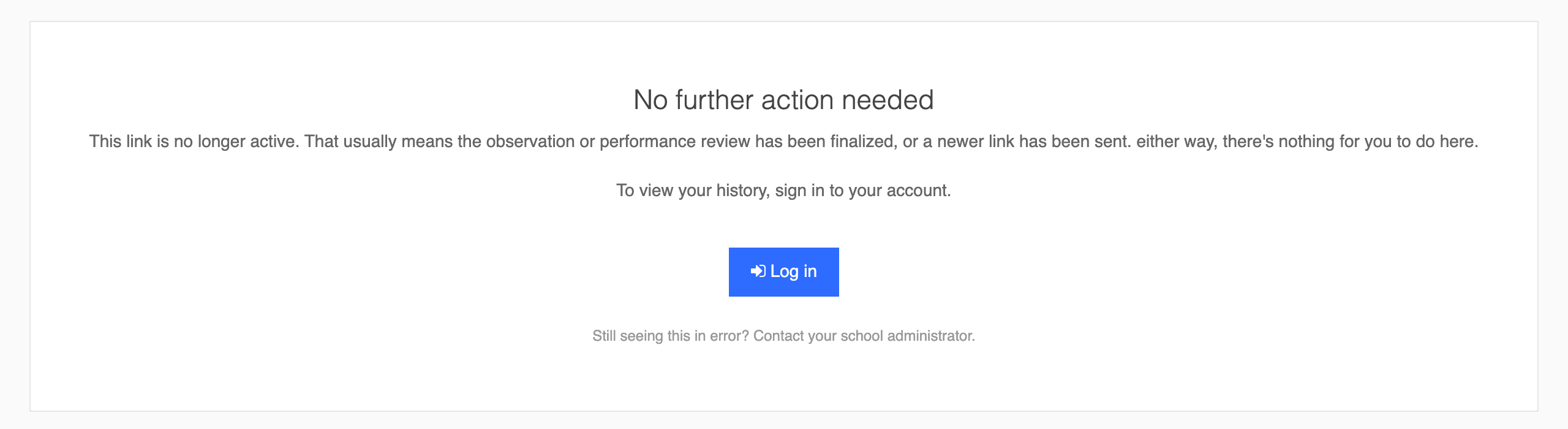
- An inactive link opens a No further action needed page with a Log in button, not an error.
Resending the email
Section titled “Resending the email”If a teacher cannot find the email, the observer or an organization or system administrator can send it again. Resend email appears in the card on the right of the observation page while the observation is waiting on the teacher’s reflection or acknowledgment, and Notify observee? must be on. Resending sends the email that matches the observation’s current state. Performance reviews do not have this button.
From a push notification
Section titled “From a push notification”Teachers who use the weCLIMB mobile app can also get a push notification when a reflection or acknowledgment is requested, when an observation is finalized, or when someone comments. Tapping it opens that observation in the app.
The two routes differ in one way:
- The emailed link needs no account and no password.
- A push notification goes to a teacher who is signed in to the mobile app, and opens the full app rather than the standalone link page.
Both lead to the same reflection, acknowledgment, and discussion actions. See Push Notifications on Mobile.
Why it helps
Section titled “Why it helps”A teacher can respond to an observation from the email itself, between classes or at the end of the day, without stopping to recover a password.