

eLearn Mobile
Profile, Support, and App Updates
Use the eLearn app's side menu to see your profile, reach support, switch to weCLIMB, and respond to update prompts.
Roles: for everyone who takes courses in eLearn.
The side menu holds everything in the app that is not a course or a certificate. To open it, go to the Home tab and tap the menu button at the top left.
My Profile
Section titled “My Profile”Tap your name at the top of the side menu to open My Profile. It shows your photo, your name, and your email address (labeled Work).
The profile is read-only in the app. To change your name, photo, or password, use your profile on the web. See Managing Your Profile.
Support
Section titled “Support”Tap Support to open Support Information, with the support contacts set up for your Master Teacher site:
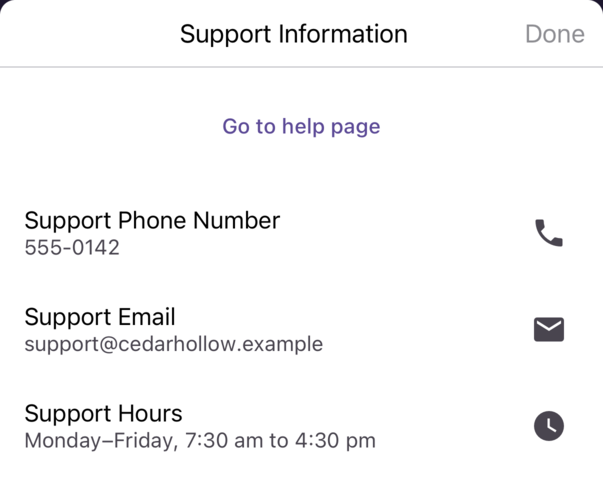
- Go to help page: opens your help pages in the web browser.
- Support Phone Number: tap the phone icon to call.
- Support Email: tap the mail icon to write an email.
- Support Hours: when support is available.
Tap Done to close it.
Tap About to see the app’s version number (for example, “v5.5.0 (build 198)”). Support may ask for it when you report a problem.
Switching to weCLIMB
Section titled “Switching to weCLIMB”When your district uses weCLIMB, the side menu has an weCLIMB item. Tap it to open the weCLIMB app, already signed in, when it is installed on your device. When it is not installed, weCLIMB opens in your web browser. A link to another Master Teacher app can appear in the same place when your district uses it.
Signing off
Section titled “Signing off”Tap Sign off at the bottom of the side menu. See Installing and Signing In to the eLearn App.
App updates
Section titled “App updates”When a new version is available, the app shows a prompt when it opens:
- An optional update has Dismiss and Update buttons. Tap Update to go to your app store, or Dismiss to keep working.
- A required update has only Update. Install the new version to keep using the app.
You can also turn on automatic app updates in your device’s settings.